+18

Language

This site, including all webpages, links and images, displays adult content. Only consenting adults are authorized beyond this page. You must be 18 years of age or older (21 in some jurisdictions). If this material offends you or is illegal in your location, please leave now. We have a zero-tolerance policy regarding illegal content and will report any such activity.

BY ENTERING YOU AGREE THAT:

  • you are 18 years of age or older (or the age of majority in your jurisdiction).
  • you agree to our Terms and Conditions and Privacy Policy.
  • you acknowledge that this site contains adult material and you consent to view it.
  • you accept full responsibility for your use of this site.
  • you agree to the use of essential cookies (e.g. for authentication and age verification).

YOU HAVE READ THIS AGREEMENT, UNDERSTOOD IT AND AGREE TO BE BOUND BY IT.

iPhone ยท Safari

Install on iPhone

On iPhone, Kama is added from Safari. There is no App Store app.

See the steps
  • Free
  • Full screen
  • One tap to open
Safari with the Share option

How to install

  1. Safari with the Share option
    1

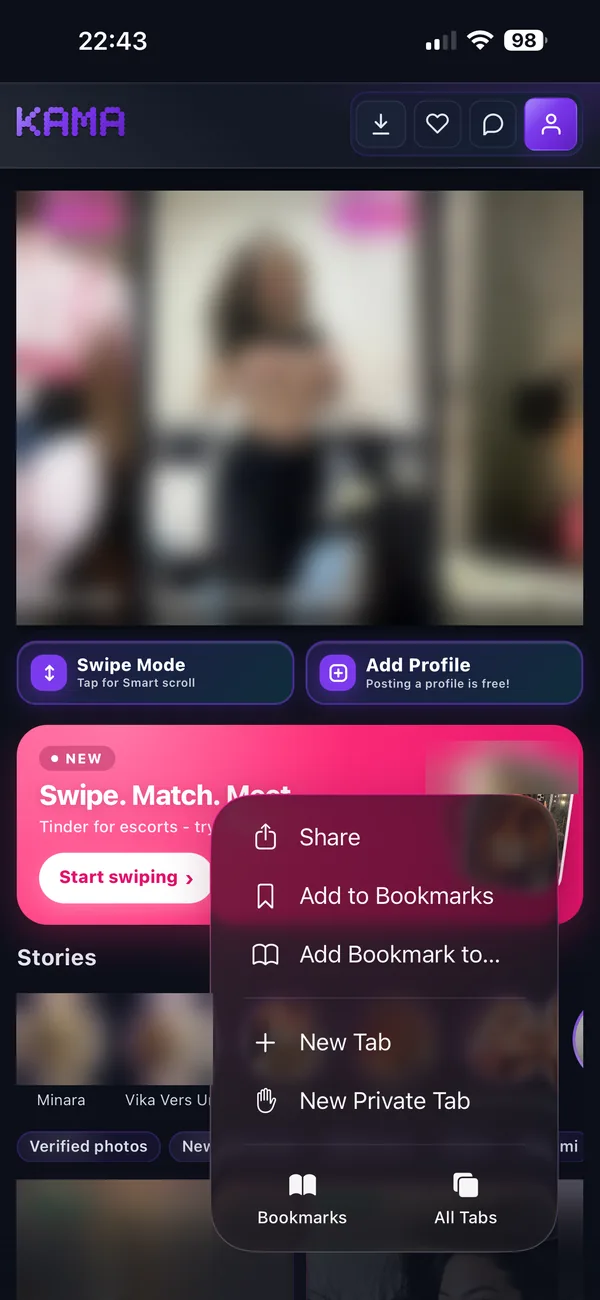
    Tap โ‹ฏ then Share

    In Safari, tap the โ‹ฏ button in the bottom corner, then Share. On older iPhones the Share button (a square with an arrow) is in the bottom bar.

  2. Share sheet with Add to Home Screen
    2

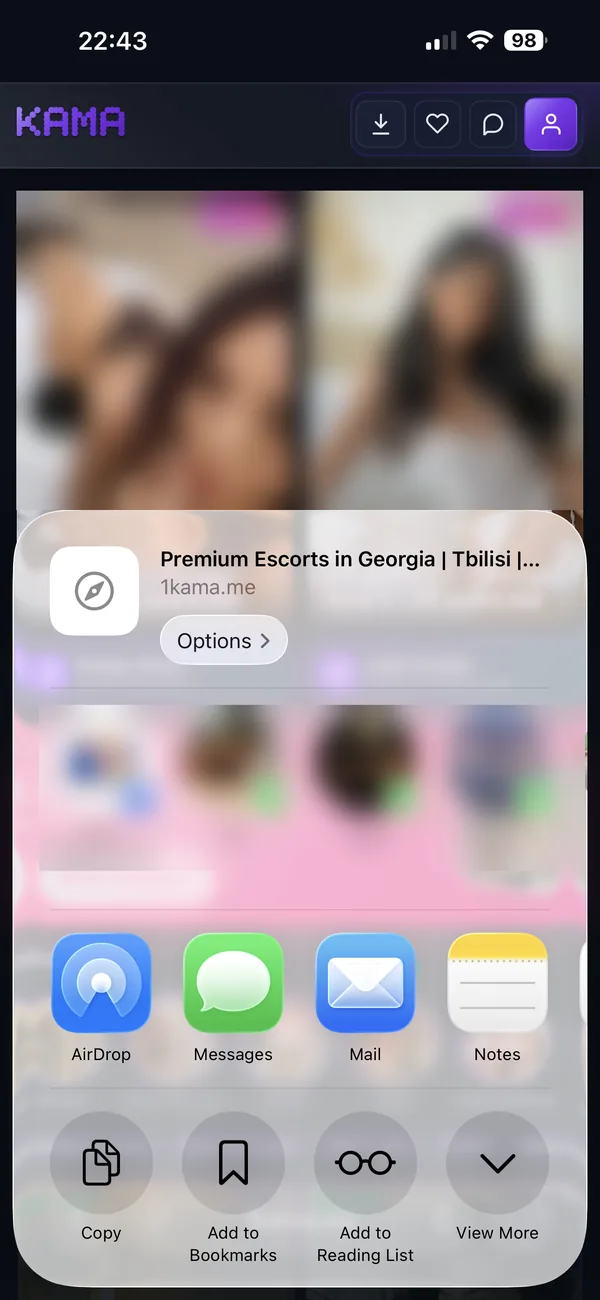
    Add to Home Screen

    Scroll down the list and tap Add to Home Screen.

  3. Add to Home Screen confirmation
    3

    Tap Add

    Keep the name Kama, leave Open as Web App switched on, and tap Add. The Kama icon appears on your home screen.

After you install

Open Kama from the home screen and log in once. When it asks you to turn on notifications, allow them. Sending notifications is a later update.

Android app